Screen Mirroring App: Cast TV
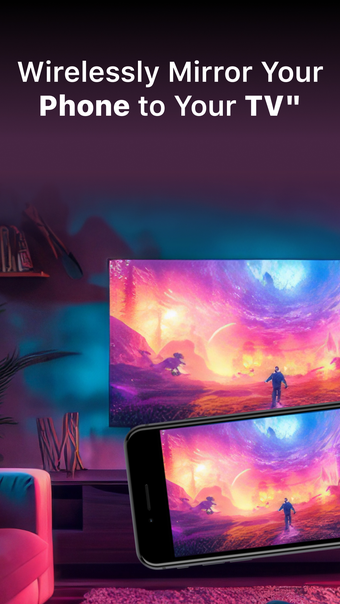
Screen Mirroring App: Cast TV is a versatile application that allows users to effortlessly mirror their phone's screen on any compatible smart TV wirelessly and without delays. Whether you need to deliver presentations, enjoy movies, or have immersive gaming experiences on your television, this app has got you covered.
Top Recommended Alternative
One of the key features of Screen Mirroring App: Cast TV is its ability to operate independently, without any affiliations with specific TV brands. This ensures compatibility with a wide range of smart TVs. Users can mirror their phone's screen, cast photos and videos directly from their photo library to the TV, and even replicate the phone's camera feed on the TV screen.
To initiate screen mirroring, simply connect both your phone and TV to the same Wi-Fi network. Launch the app, establish a connection with your TV, and tap the "Screen Mirroring" button. Follow the provided instructions, and you'll be mirroring seamlessly in no time.
For those looking for additional features, Screen Mirroring App: Cast TV offers a premium version with a complete set of features. Choose between a weekly, monthly, or yearly subscription, and enjoy full-screen mirroring, unrestricted photo casting, and video casting to your TV. There's even a complimentary 3-day trial available.
Please note that payments are processed through your iTunes account upon purchase confirmation, and subscriptions automatically renew unless you disable auto-renewal at least 24 hours before the current subscription period ends. You can conveniently manage your subscriptions, and any unused portion of a free trial will be forfeited upon subscribing to the publication.
Overall, Screen Mirroring App: Cast TV is a reliable and user-friendly tool for mirroring your phone's screen on a smart TV. Whether for work or entertainment purposes, this app provides a seamless and convenient mirroring experience.